Blog Lists with Sidebar

Simple IT Help for New Jersey Offices

Computers, email, printers, Wi-Fi we take care of it so you don’t have to.

CallFree Consultation (908) 395-0098 

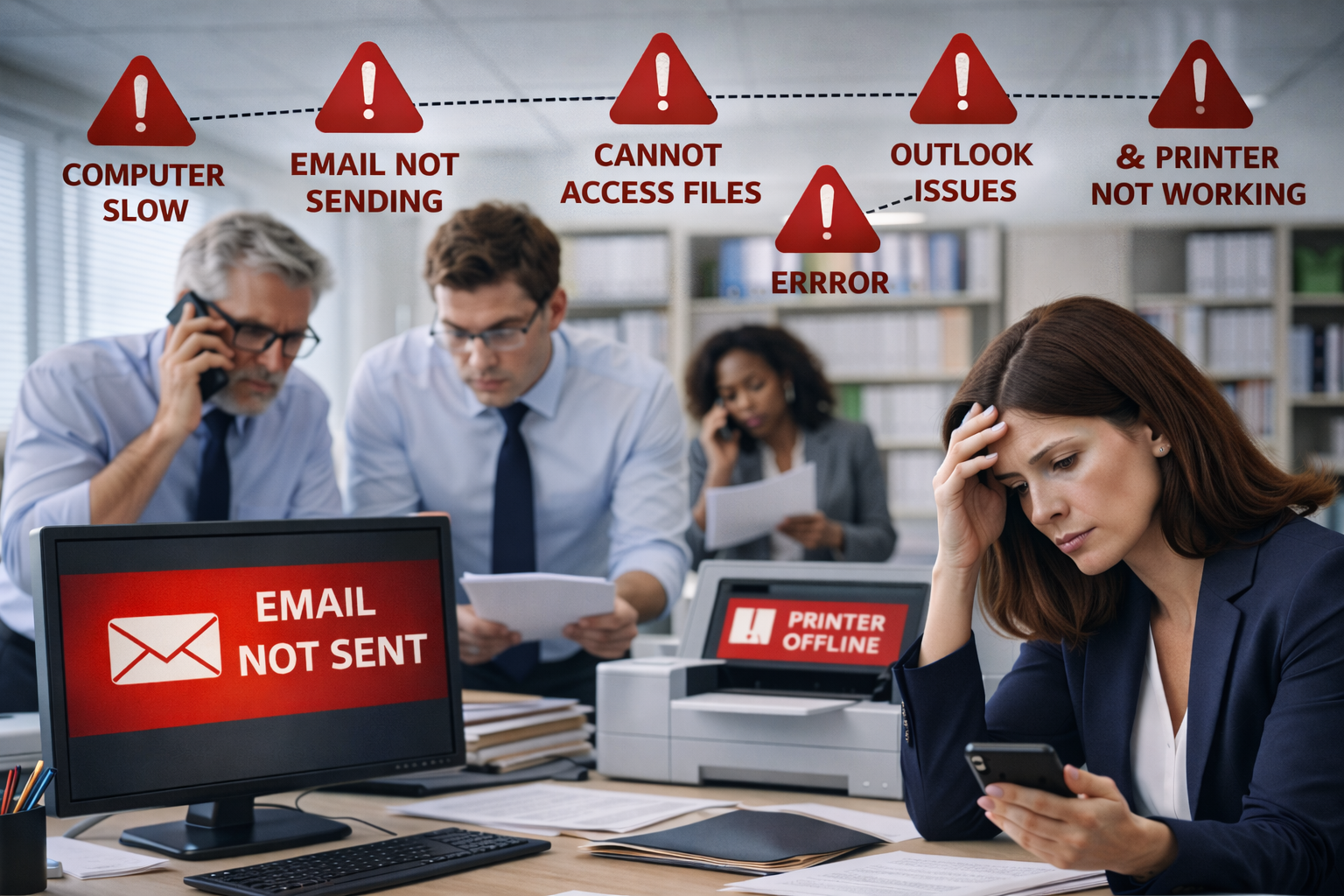
Office employees in a New Jersey business dealing with a system outage after the only IT person is unavailable
Read More

What happens when the only IT person disappears

In many New Jersey businesses, the “IT department” is one person who knows every password, every vendor contact, every cable run, and every workaround. The risk is not theoretical: when that person is out sick, leaves the company, or simply becomes unreachable, operations can stall immediately—email access breaks, printers stop, line-of-business apps fail, and nobody knows what is “normal” versus what is an outage.

Professional office worker in a New Jersey office frustrated by a jammed printer during a critical deadline
Read More

Why Printers Always Fail at the Worst Time

If you manage an office in New Jersey, you have probably seen it: the printer behaves perfectly for weeks, then suddenly fails right before a client meeting, a court filing, or a payroll deadline. This pattern is not “bad luck” as much as it is timing—printers are most likely to show problems when they are under the highest load, when multiple users hit the queue at once, or when the device has been sitting idle and then asked to perform immediately.

Close-up photograph of an open solid state drive (SSD) circuit board, showing multiple NAND flash memory chips and the central controller chip.
Read More

How an SSD Works: Powering Business Efficiency in New Jersey

A Solid State Drive (SSD) represents a massive leap forward in computing power for businesses across New Jersey. Unlike traditional Hard Disk Drives (HDDs) that rely on spinning magnetic platters and moving read/write heads, an SSD has no moving parts. This lack of mechanical movement means that data can be accessed almost instantaneously. For professionals in NJ, this translates to faster boot times, immediate application loading, and a significant reduction in the physical wear and tear that often leads to hardware failure in older systems.

Professional technician repairing a damaged hard drive for data recovery.
Read More

How do we recover data from a damaged hard drive?

How Do We Recover Data from a Damaged Hard Drive?

In the fast-paced business environment of New Jersey, hardware failure can bring operations to a grinding halt. The process of recovering data from a damaged hard drive begins with a precise diagnostic phase. We distinguish between logical failures—where the data is intact but inaccessible due to software corruption—and physical failures involving broken mechanical parts. For companies in Newark or Jersey City, identifying these symptoms early is crucial to prevent permanent data loss caused by repeated power-on attempts.